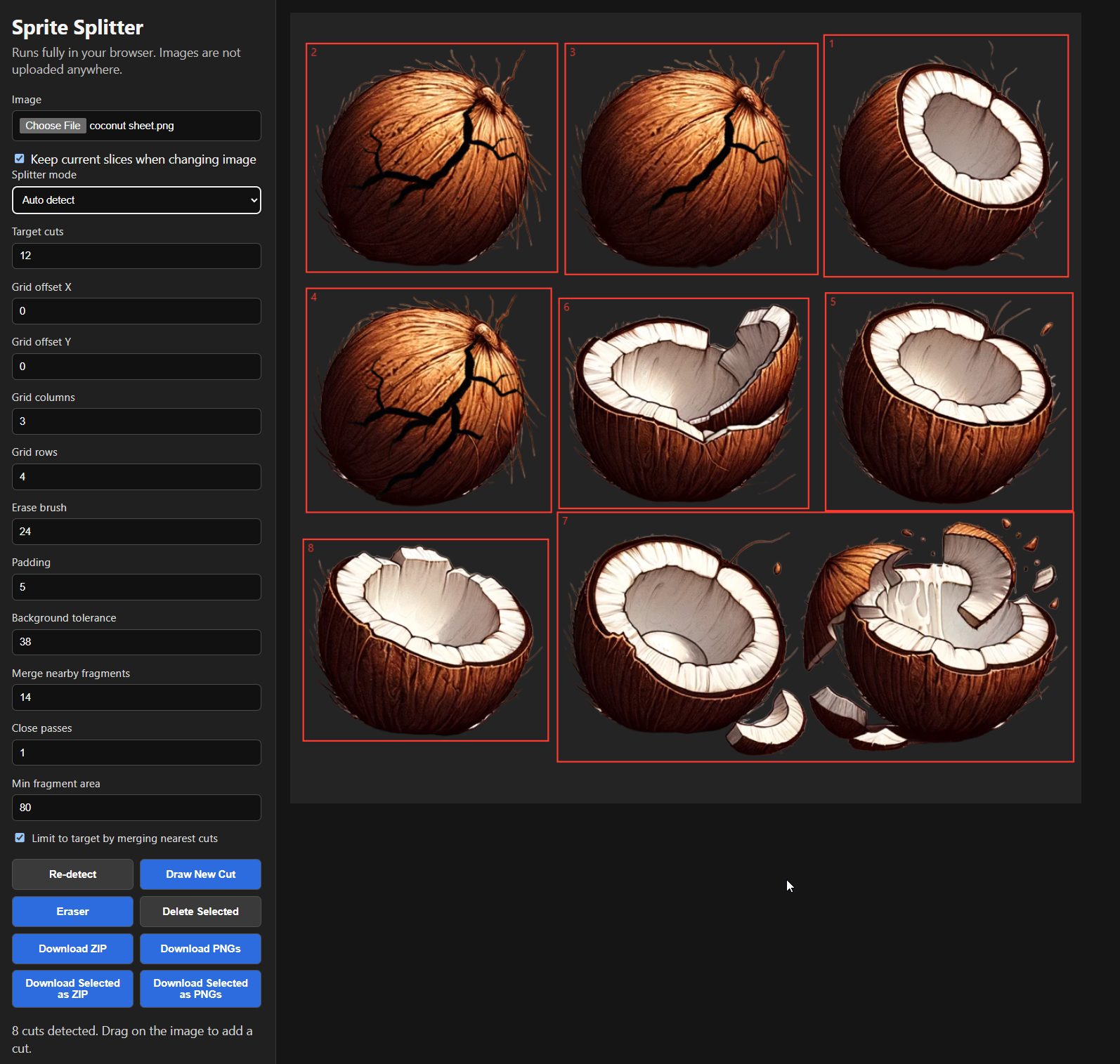
Cut sprites from a sheet quickly, preview the results, clean up pixels, and export exactly the slices you need.
Upload a sprite sheet or image, then let Sprite Splitter detect individual sprites automatically. You can fine-tune the detection settings, switch to grid slicing, draw custom cuts, erase unwanted pixels to transparency, preview animations, and download all or selected sprites as PNGs or a ZIP.
- Automatically detects sprites and groups nearby fragments.
- Grid mode slices sheets by columns and rows.
- Draw custom cuts anywhere on the image.
- Erase pixels to transparency for quick cleanup.
- Keep existing slices when swapping images.
- Select multiple cuts with Shift, Ctrl, or Command-click.
- Preview selected sprites as an animation with FPS control.
- Export all slices or only selected slices as PNGs or ZIP.